
Make the complex feel considered.
Dashboards, booking flows and multi-step forms get complicated fast. We untangle them into screens people can use without a manual.
- Screens planned around real tasks
- Mobile and desktop layouts with all their states
- Consistent type, spacing and components
Flows, screens and the system behind them.
UI/UX design services make the most difference before development starts, while changing a screen is still cheap. We design around the tasks people come to do, like finding an order or approving an invoice, and hand over files your developers can build from without guessing.
User flows and site navigation
How people move through the product, and what they find on each screen.
Wireframes and interactive prototypes
Grey boxes first, then prototypes you can click through before anything is built.
Web and mobile UI designs
Finished screens for phones and desktops, with every state, not just the happy path.
Component libraries and developer handoff files
Reusable components and handoff files your developers can build from without guessing.
UI/UX design is worth doing first if you want to click through a product before paying for development. It's also where to start when your website, dashboard, store or app has become confusing to use.
Wireframes before colors.
Drag the handle. The layout is agreed as a wireframe first, when changing it is cheap; the finished design is built on exactly that structure.
Halfway
The structure stays put; type, color and components are added on top of it.
Visual directions to react to.
Different type, color and layout systems, so you can point at what feels right. Hover over one to scroll the whole page.

01John the Plumber / experience 
02Pawdon / visual system 
03Golf Course / content hierarchy 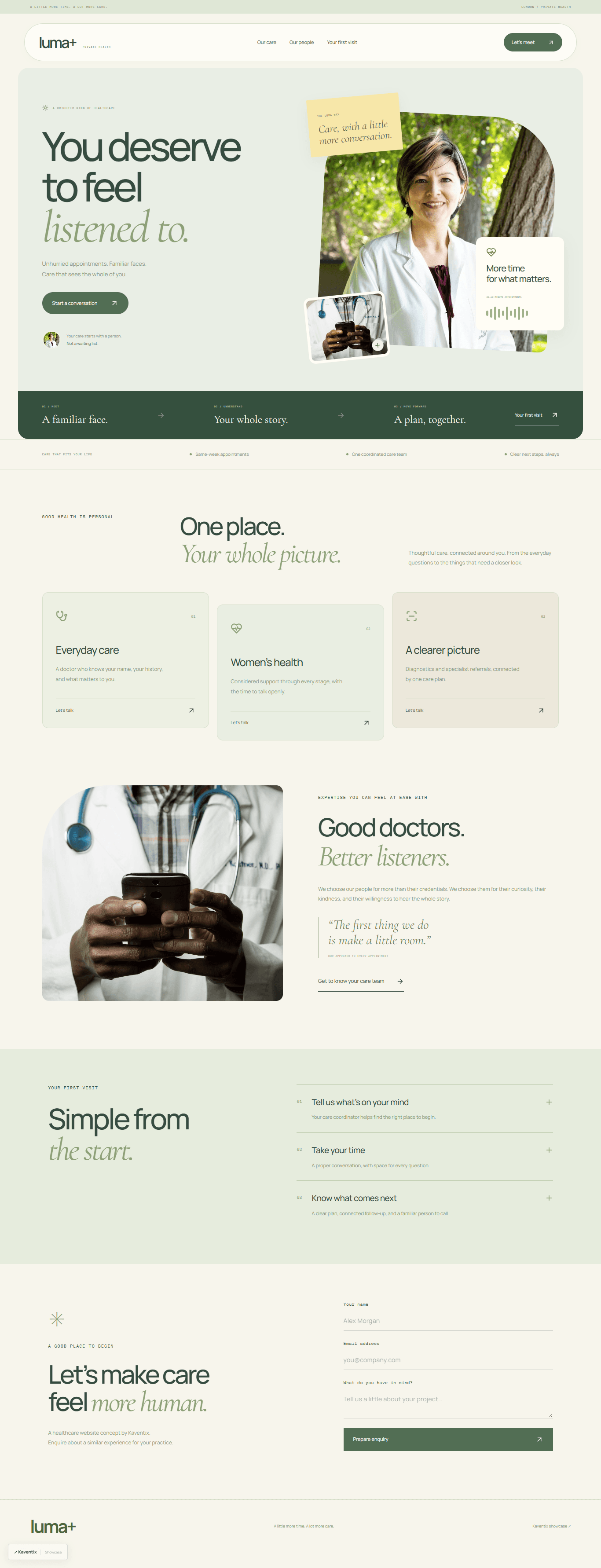
04Luma / visual system 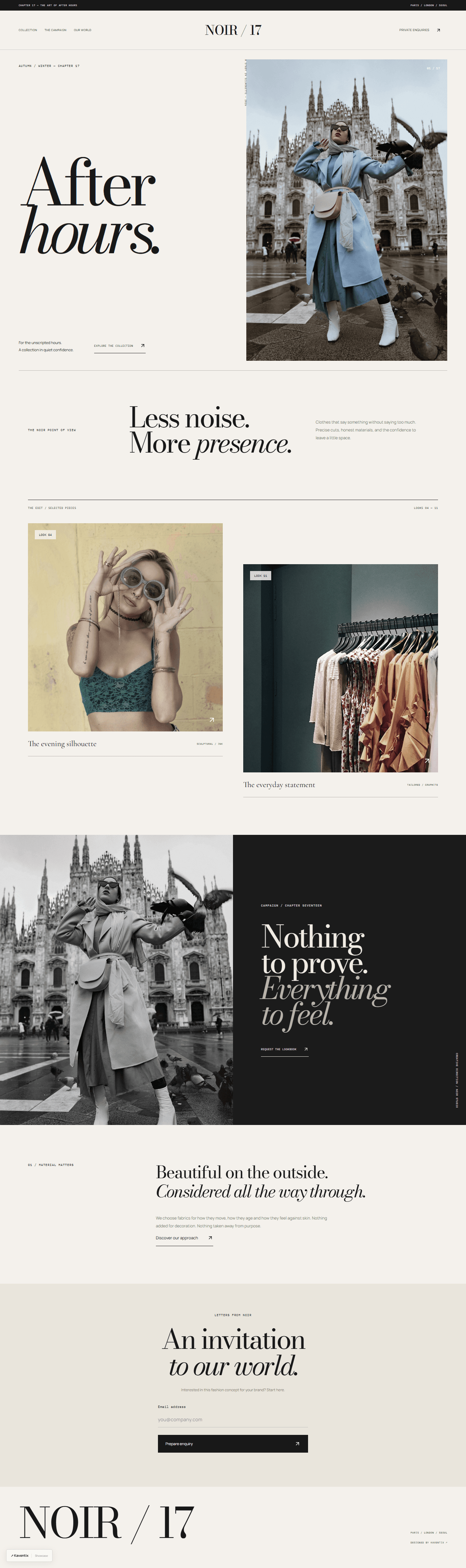
05Noir / typography 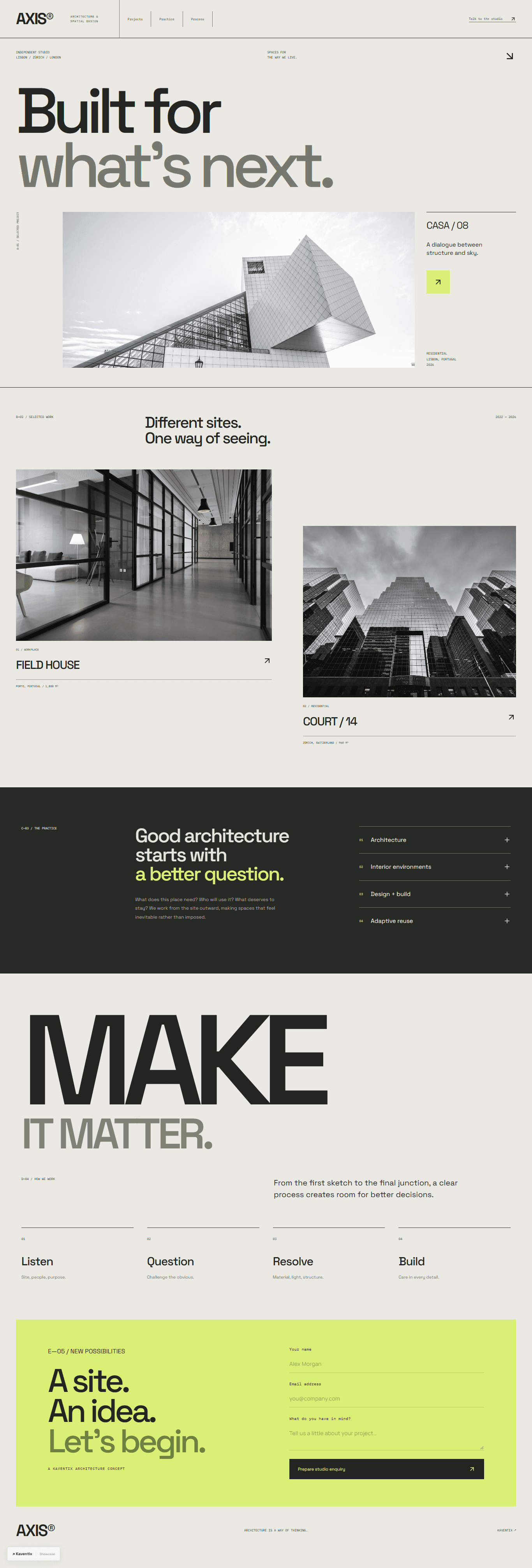
06Axis / interface direction
Design files your developers can build from.
Wireframes, prototypes and final screens stay in files your team can open and comment on long after the project ends.
Design & prototyping
 Figma
 Sketch
 Adobe XD
 Framer
 Illustrator
 Photoshop
 Lottie
Research, handoff & build
 Miro
 Notion
 Hotjar
 Storybook
 Webflow
 Canva
 GitHub
Design decisions you can defend.
Four stages, from the people who use it to files your developers can build from.
Understand the users
Who uses the product, what they're trying to get done and where they get stuck today.
Map the flows
We sort out the navigation and the order of screens for the tasks that matter most.
Explore the interface
You review wireframes, visual directions and clickable prototypes.
Prepare the handoff
Components, states and the reasoning behind design decisions, written up for your developers.
Questions about UI/UX design.
If your question isn’t here, send it over. Most answers depend on the details of your project anyway.
- Can you design without handling development?
- Yes. We can hand your developers the design files, prototypes and notes on how components should behave. If you'd rather we build it too, we can carry on into development.
- Can you redesign an existing application?
- Yes. We look at how it's used today and the usability problems you already know about, then decide with you which screens and interactions to fix first.
- Is user testing included?
- It can be, and the approach is agreed in the scope. Options include reviews with your team, feedback on prototypes and sessions with real users, where suitable participants are available.

Tell us what
you're working on.
A few lines about your business and what you have in mind is enough. We'll read it properly and reply with questions and next steps.